MEGA Hub

Changelog

Keep track of latest changes on the MEGA Hub

Chat, Memory, mobile

Chat keeps reply branches in context; managed Memory is controllable; phone-first browsing offers Android download with QR setup.

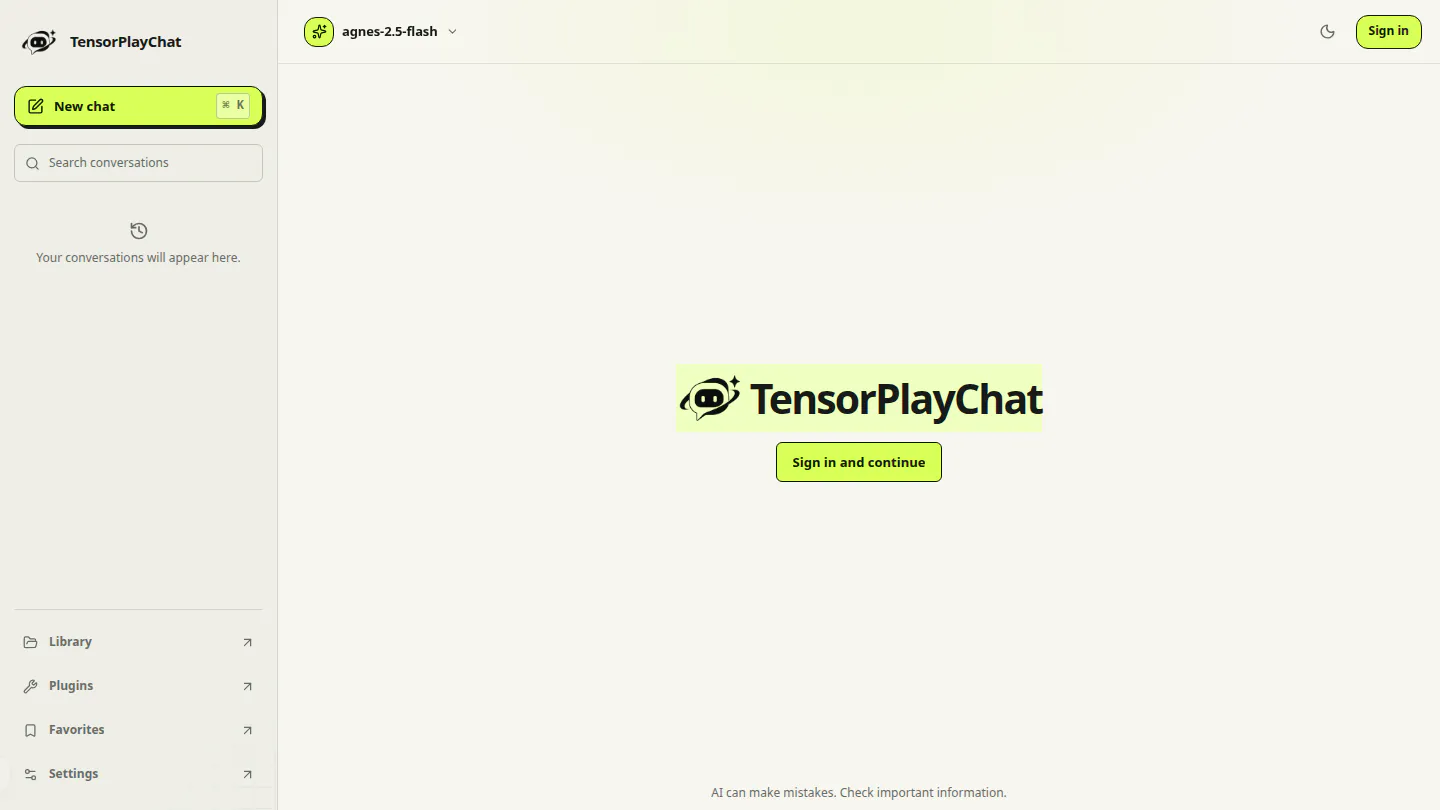
MEGA Chat screenshot

Chat#

Regenerate, compare, and continue.

Memory#

Review or disable it in Settings.

Mobile#

Download MEGA for Android.

Faster, Stable Page Opening

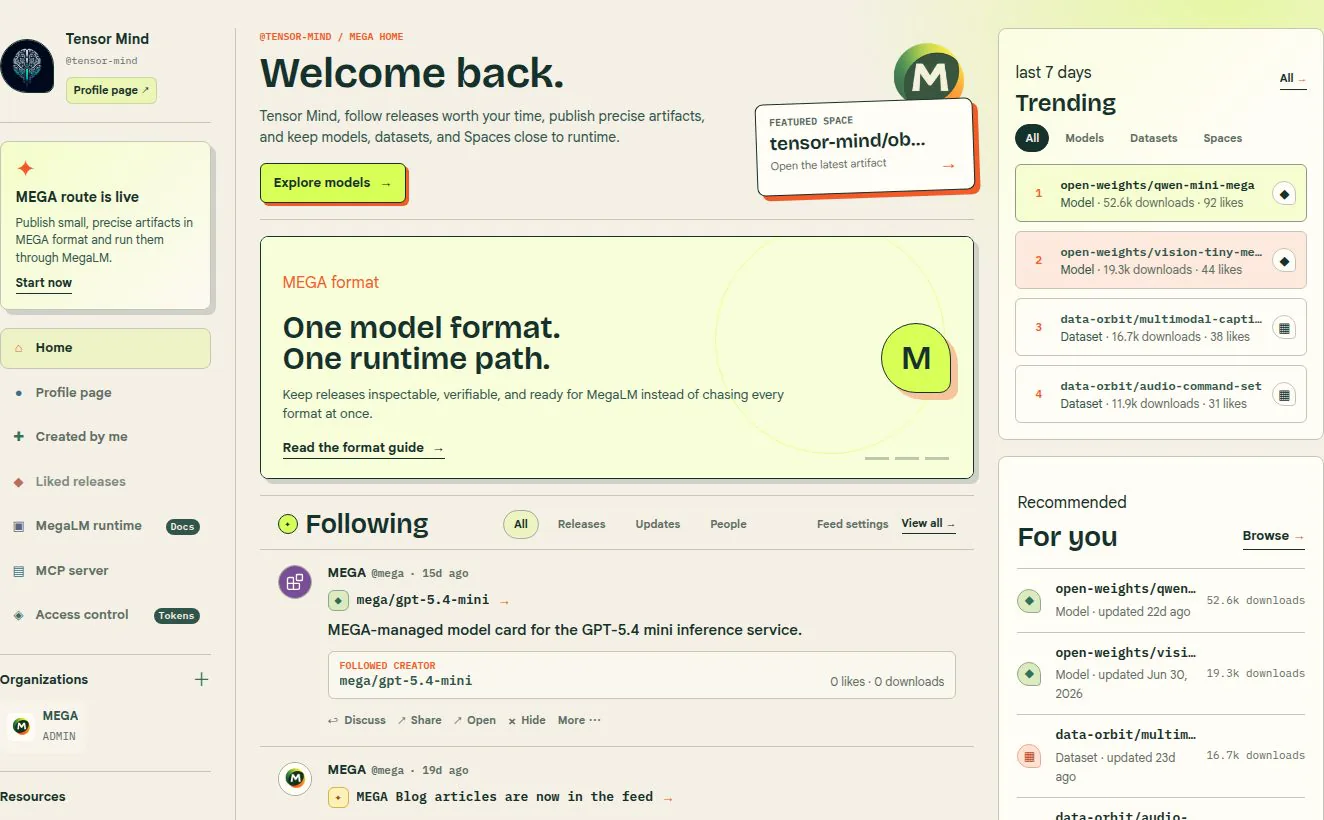
Profiles, repositories, papers, and settings now open directly in their finished page layout. Information fills into place without replacing the page with a separate opening screen, so navigation feels faster and controls stay where you expect them.

MEGA account home with repositories and personalized activity panels

Avatars now keep the same framing everywhere they appear. Smaller views use appropriately sized images for faster loading while preserving the composition of the original image.

Returning visitors also see their account image sooner, with fewer visible transitions as the rest of the page becomes available.

Global Service Health

The MEGA status page now reports health for every public surface of the Hub — the web app, the Git and LFS endpoints, repository storage, Inference Providers, Spaces, and Buckets — from a single global view.

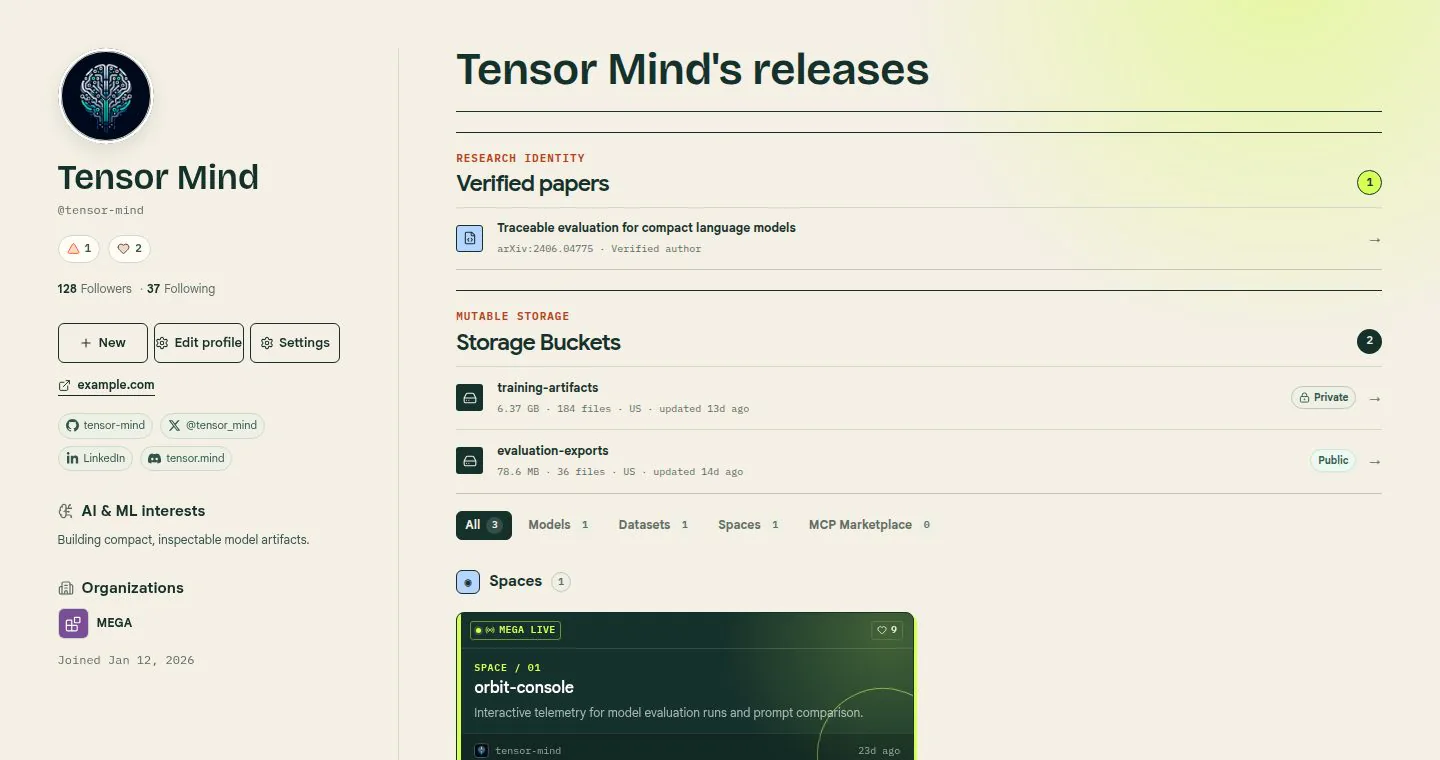
MEGA profile interface with repository and account status information

Health is published as an opaque signal. Each surface resolves to operational, degraded, or outage without exposing the internal probes, regions, or dependency names behind it, so the page stays useful to you and uninteresting to anyone mapping our infrastructure.

Incidents are grouped by the surface they affect rather than by the component that failed. If Inference is degraded but repositories are fine, that is exactly what the page says.

Check it at status.tensorplay.cn, or subscribe from your notification settings to be told when a surface you depend on changes state.

MCP Repositories and the Marketplace

MCP servers are now first-class repositories on MEGA, alongside models, datasets, and Spaces. Browse them at /mcps.
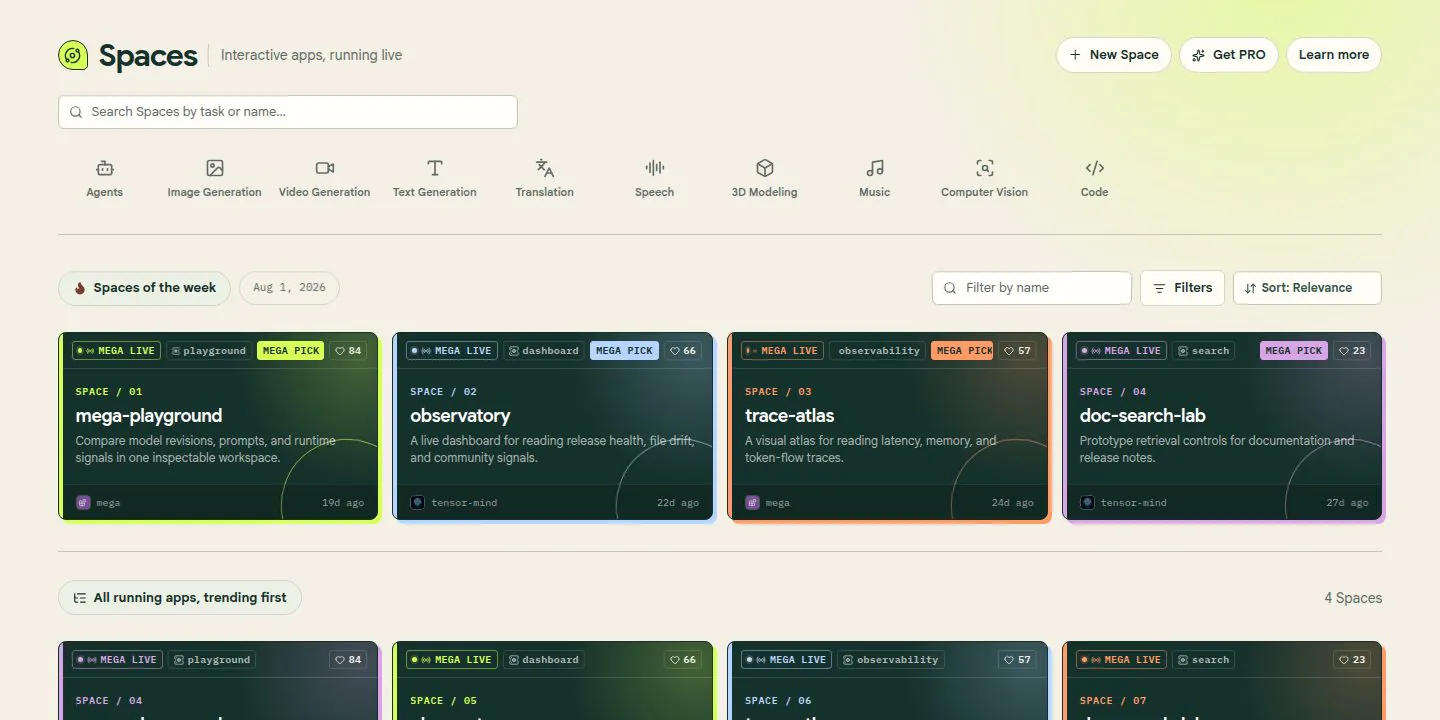
MEGA application repository interface showing a running interactive Space

An MCP repository carries the same machinery as the rest of the Hub: versioned Git history, LFS and Xet-backed storage, gated access, organization ownership, and a card that documents the tools the server exposes. Publishing one is git push — there is no separate registry to keep in sync.

Reviewed servers are promoted into the MCP marketplace, which fronts a gateway so a client can connect to a listed server without provisioning credentials for each one individually. Review covers the declared tool surface, the transport, and the ownership of the publishing organization.

Point any MCP-capable client at the official MEGA server documented at /mcp to reach repositories, Spaces, and Buckets from your assistant.